Kids' Creations
Real projects our students have built — chatbots, games, robots, AI art, and more. Every one was made by a child in one of our live classes.
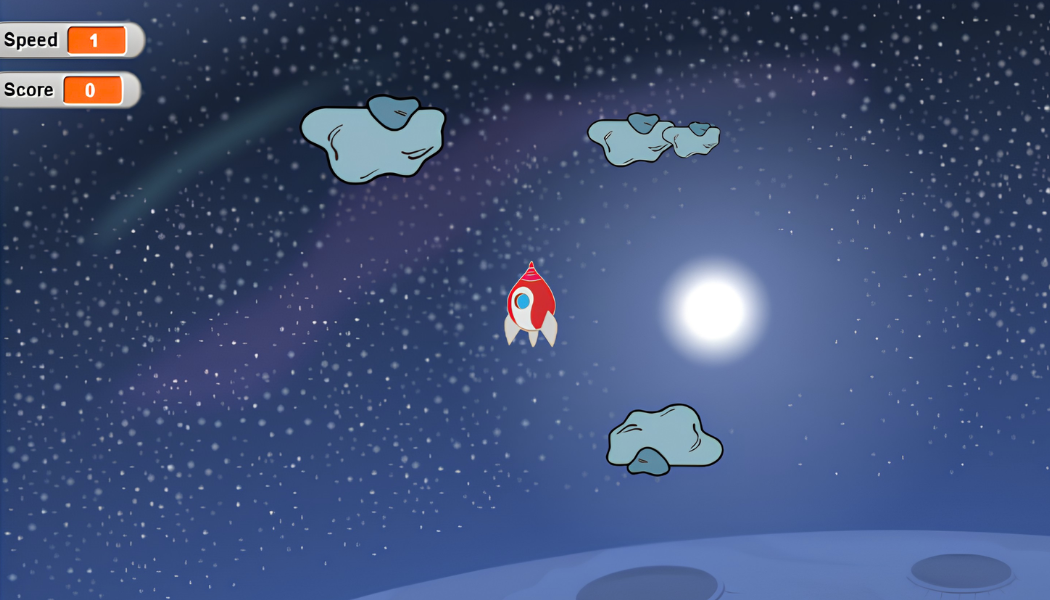
Rocket Adventure
Build an exciting space game where players pilot a rocket through outer space, avoid dangerous asteroids, collect points, and reach the finish line safely while learning game development in Scratch.
Students create a complete scrolling space adventure game from scratch by programming rocket movement, asteroid obstacles, collision detection, scoring, sound effects, and winning conditions. Along the way, they strengthen their understanding of variables, broadcasts, conditionals, loops, coordinates, and problem-solving while designing their own interactive game experience.
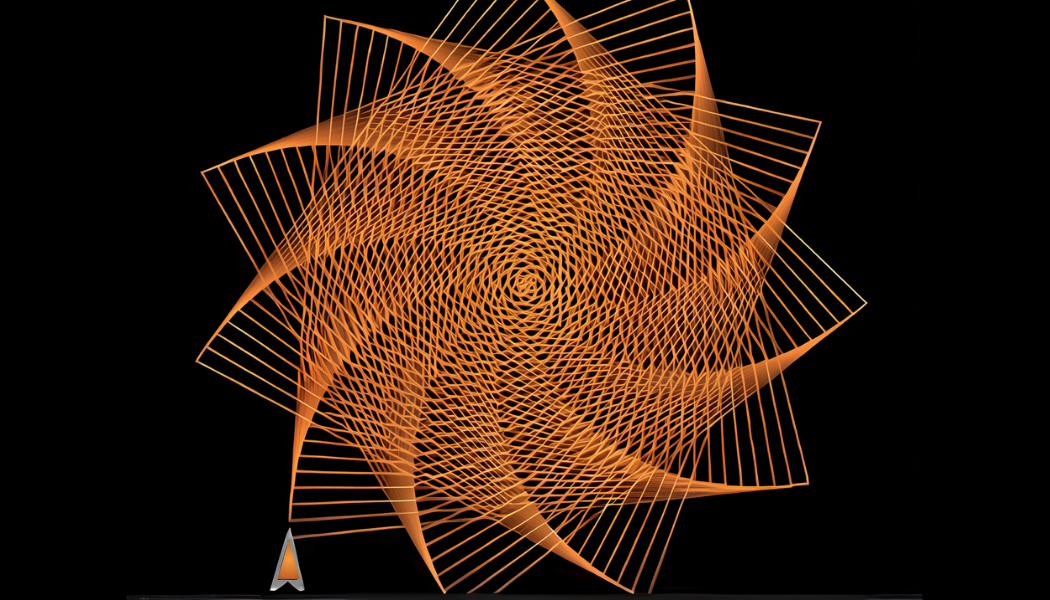
Spiral Drawing Generator
Kaja Kengatharan
Create a fun Spiral Drawing Generator in Snap! where pressing different number keys draws unique colourful spiral patterns using loops, pen commands, and rotation angles.
Kaja built an interactive drawing program in Snap! that generates a variety of geometric spiral designs based on keyboard input. He learned how to use loops, variables, pen blocks, angles, events, and coordinate positioning while exploring how changing rotation values creates different mathematical patterns and artistic designs.
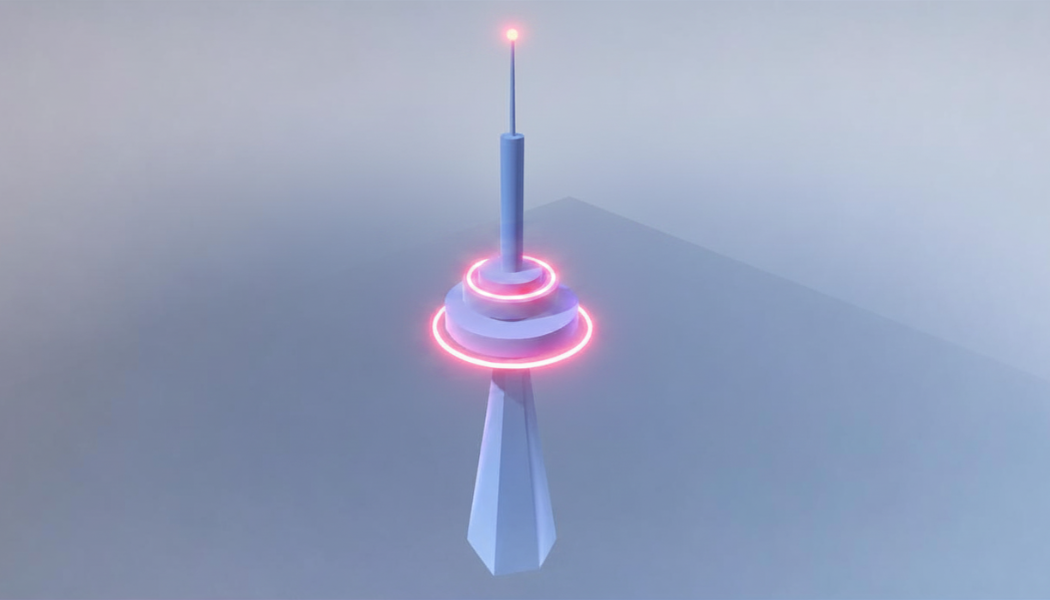
CN Tower in Roblox
Chaarun
Build a detailed 3D model of Toronto's iconic CN Tower using Roblox Studio while learning the fundamentals of 3D modelling and design.
Chaarun recreated the famous CN Tower in Roblox Studio by combining wedges, cylinders, prisms, and other 3D parts to match the real landmark. Along the way, she developed skills in modelling, scaling, positioning, materials, and architectural design while creating a realistic structure from scratch.
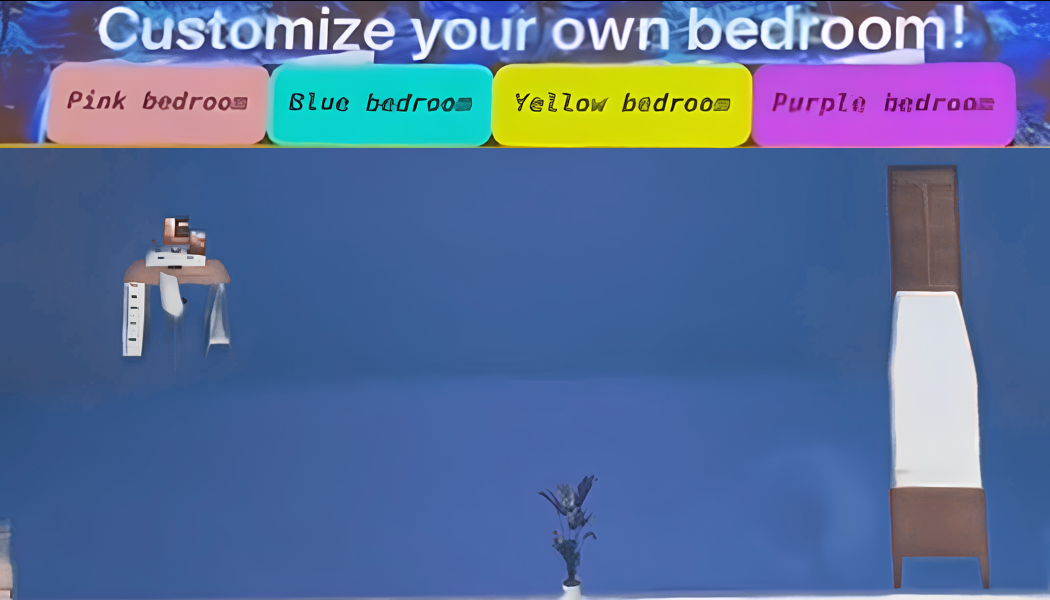
Bedroom Designer
Vishwa · 5
Design and customize your own bedroom by changing room colours, arranging furniture, resizing objects, and creating your perfect layout.
Vishwa built an interactive bedroom design app in MIT App Inventor where users can customize room colours, move and resize furniture, and show or hide objects with a tap. Along the way, she learns about variables, events, conditionals, canvas components, touch interactions, and user interface design while creating their own room planner.
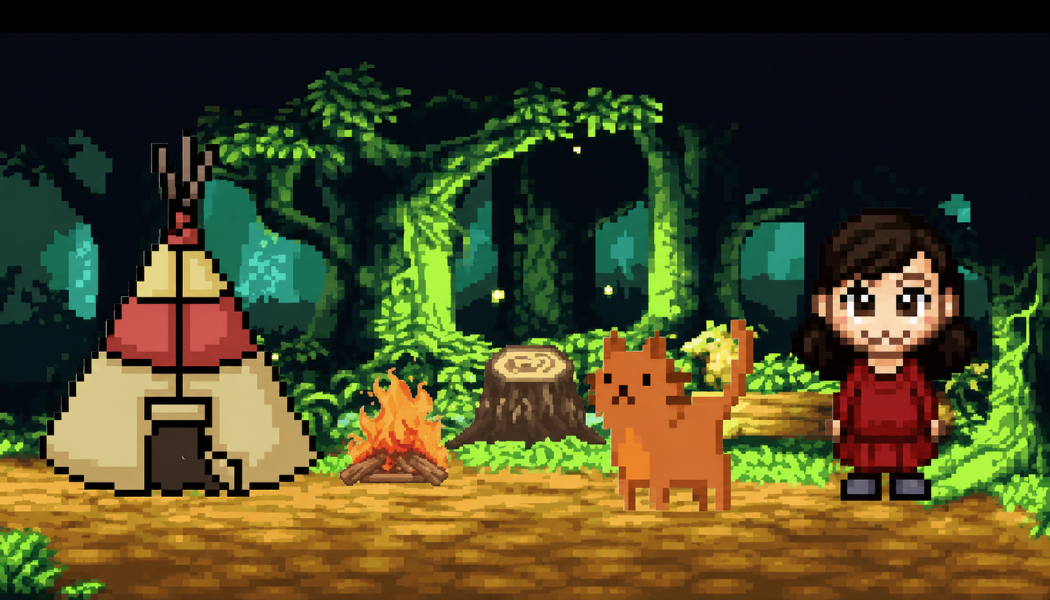
Camping Adventure App
Rhicha
Design and build an interactive camping app where users can customize their perfect outdoor adventure.
Rhicha created a fun camping customization app using MIT App Inventor, allowing users to personalize their campsite by changing the background, tents, seats, lights, friends, and pets. Through this project, she learned how to design interactive app interfaces, use buttons and sliders, and create a dynamic user experience.
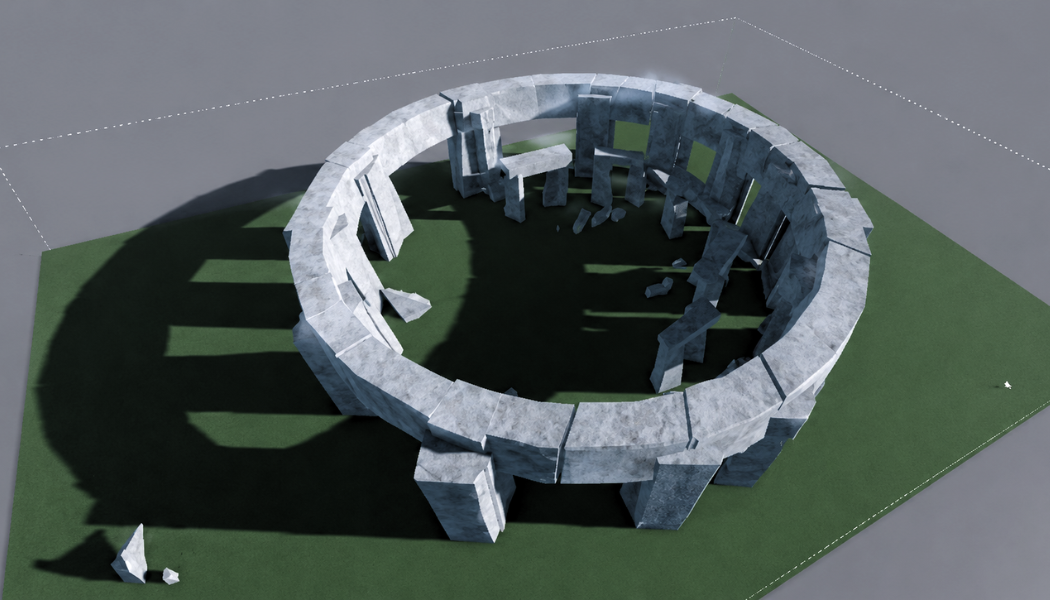
Stonehenge in Roblox
Antoine
Recreate the ancient Stonehenge monument in Roblox Studio while learning advanced 3D modelling and building techniques.
Antoine designed and built a highly detailed 3D recreation of Stonehenge in Roblox Studio, carefully arranging each stone to match the original monument. Using materials, scaling, positioning, and custom shapes, she recreated the historic landmark while developing strong skills in 3D modelling, architectural design, and attention to detail.
Your child could build the next one
Every Smart Kids AI cohort ends with a project a child can show their family the same evening. Book a free trial and see what they make.