
Spiral Drawing Generator
Create a fun Spiral Drawing Generator in Snap! where pressing different number keys draws unique colourful spiral patterns using loops, pen commands, and rotation angles.
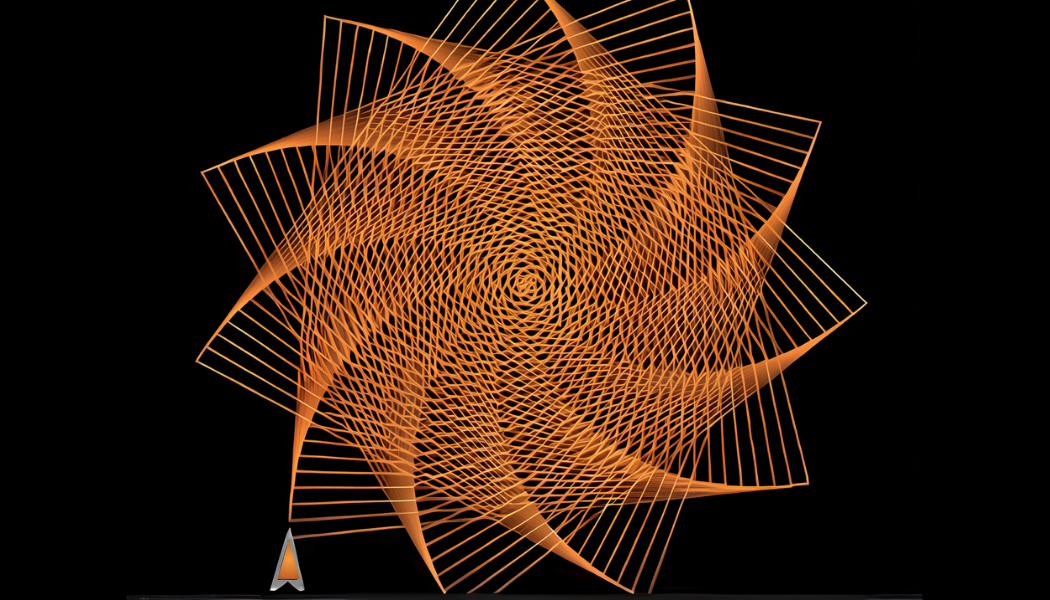
What the student built
Kaja built an interactive drawing program in Snap! that generates a variety of geometric spiral designs based on keyboard input. He learned how to use loops, variables, pen blocks, angles, events, and coordinate positioning while exploring how changing rotation values creates different mathematical patterns and artistic designs.
Want your child building something like this?
Book a free 30-minute trial class — we'll match them with the right starting cohort.
More student projects
scratch-programming-with-ai
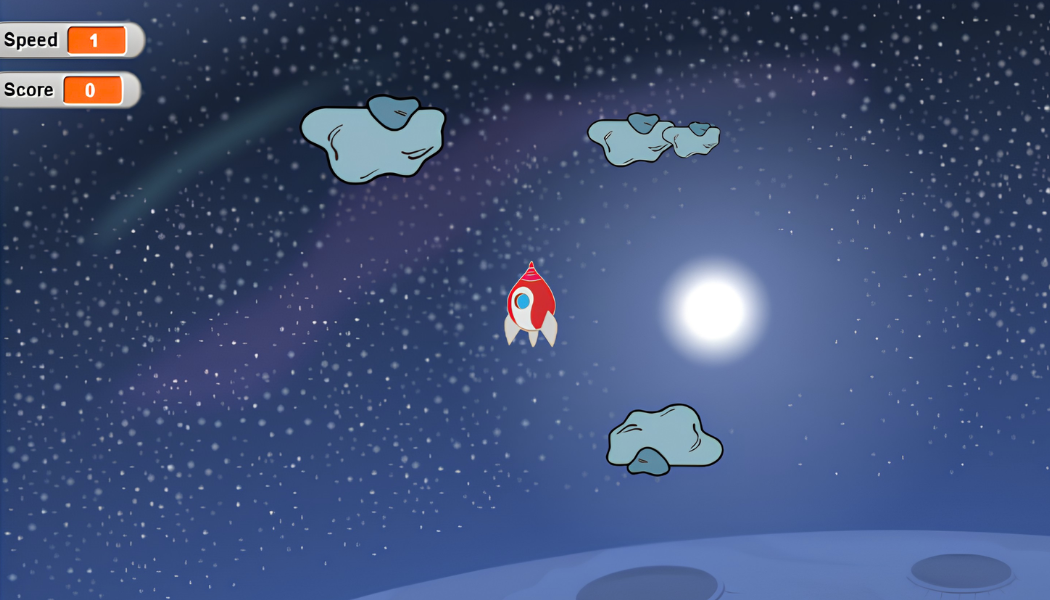
Rocket Adventure
Build an exciting space game where players pilot a rocket through outer space, avoid dangerous asteroids, collect points, and reach the finish line safely while learning game development in Scratch.

roblox-game-development-with-ai
CN Tower in Roblox
Build a detailed 3D model of Toronto's iconic CN Tower using Roblox Studio while learning the fundamentals of 3D modelling and design.